 CadabraCraft
Features
Everything you need to finish a book
CadabraCraft is a desktop app for writing and formatting books, with your manuscript kept in plain files on your computer.
- EPUB3
- Word
- Markdown
- Audiobook
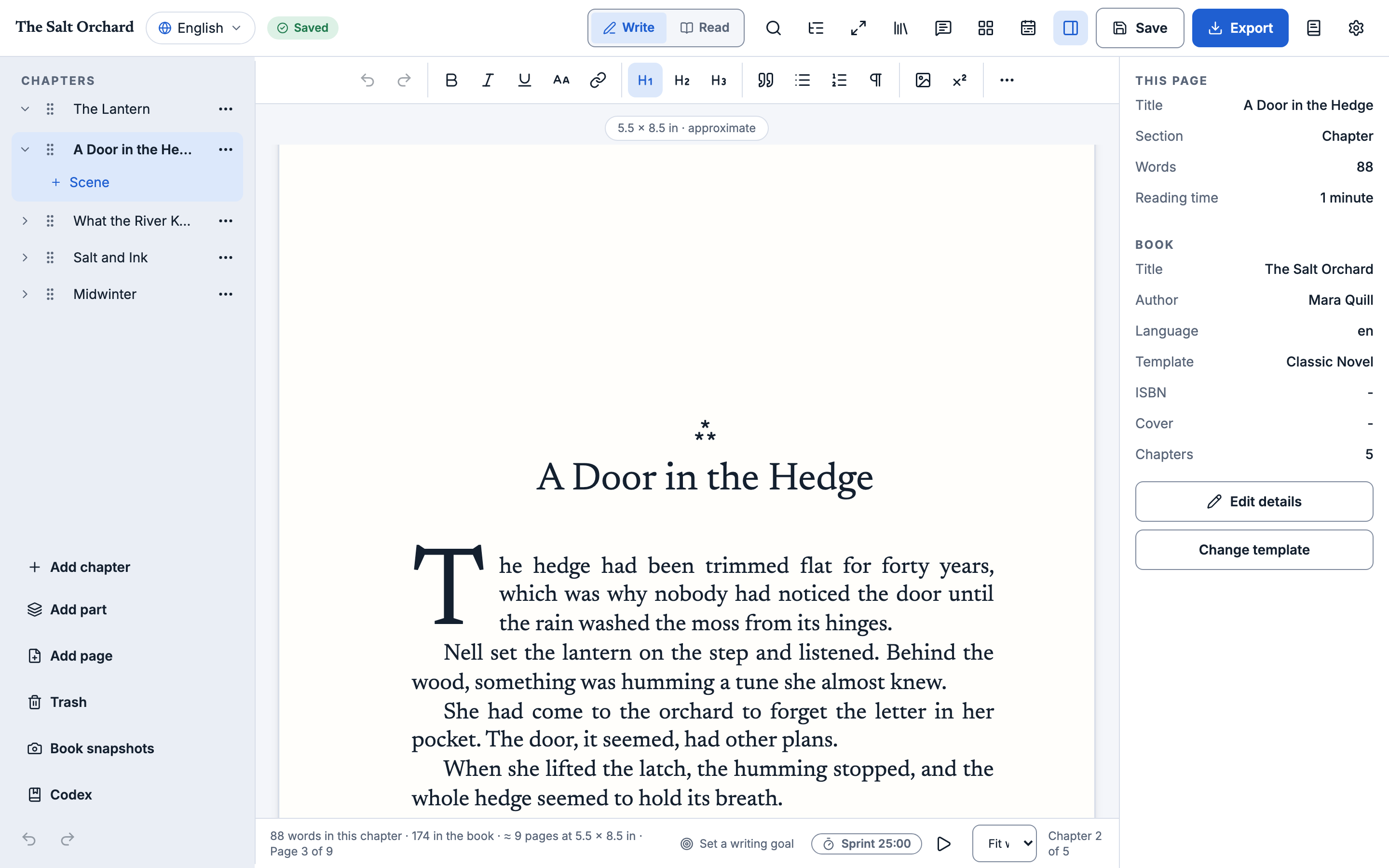
Write
A calm editor
The manuscript comes first. Everything else stays out of the way until you want it.
- Chapters, front and back matter, reordered by drag
- Focus mode, and a reading mode that shows the page as a reader sees it
- Find and replace across the whole book, with regular expressions
- A session word goal and a status bar that stays quiet
Import
Bring your manuscript
Start from the book you already have, not a blank page.
- Word (.docx), Markdown and HTML manuscripts become chapters
- Preview the detected chapters, rename them, skip some or change the heading level that splits them
- An import report lists anything that could not be kept exactly; your original file is never changed
Export
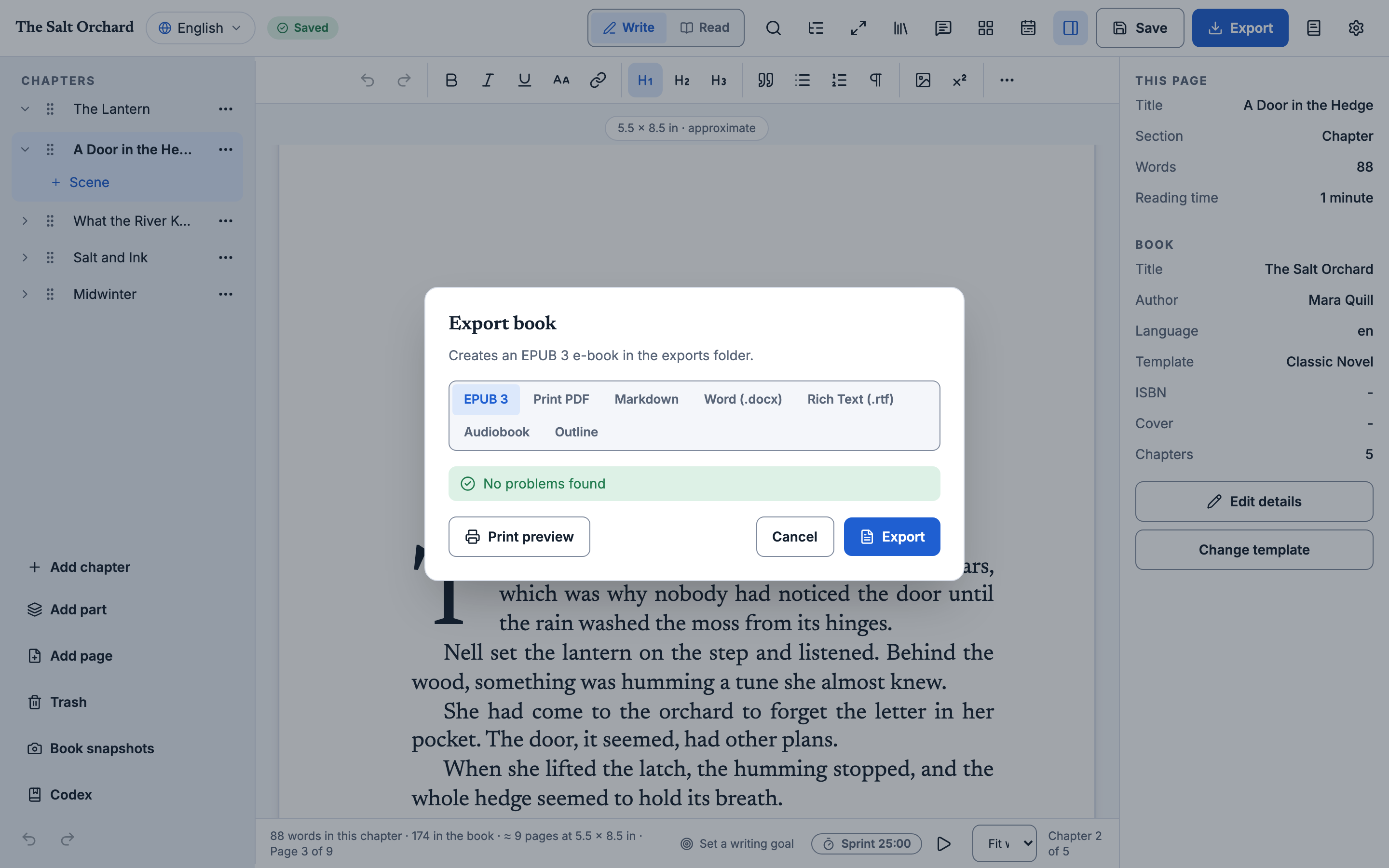
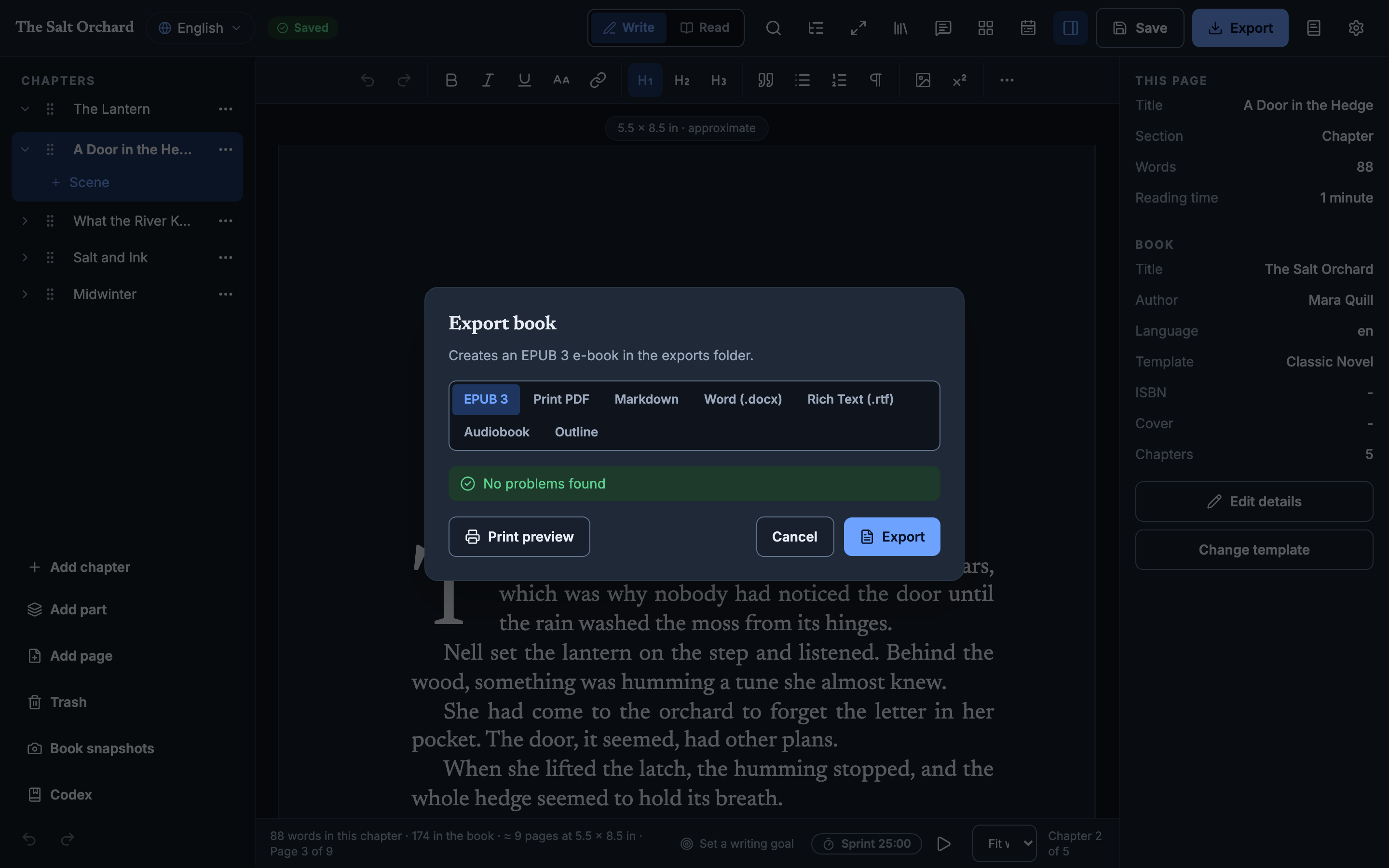
EPUB3, print PDF, Word and Markdown
One manuscript, every format a book needs.
- EPUB3 built to pass EPUBCheck
- Novel, nonfiction and modern PDF templates, trim sizes, PDF/A and a print preview
- Word (.docx) and Markdown export
- PDF export uses Typst, which comes with the app
Listen
An audiobook from your manuscript
Voices run on your computer. Nothing is uploaded.
- Opus, FLAC, WAV or M4B with chapters
- Voices are an optional download that only starts when you ask for it
Translate
Language editions
Keep the same book in several languages in one project.
- Switch editions in the editor, including right-to-left scripts
- Export each language into its own folder
- Untranslated chapters are flagged, and you choose whether to skip them
Own
Local-first and safe
Your book is a folder of plain, documented files.
- No account, no cloud service, no telemetry
- Automatic versions and a History dialog to compare and restore
- Sync the folder with Google Drive, Dropbox or iCloud Drive; a file changed elsewhere becomes a conflict copy, never a silent overwrite
Automate
Works with your AI agent
A local MCP server creates, edits, imports and exports books without opening the app.
- Runs on your machine, with no network calls
- Same file format and exporters as the app
And the small things
Sync how you like
Point the folder at Google Drive, Dropbox or iCloud Drive.
Focus mode
Hide everything but the page.
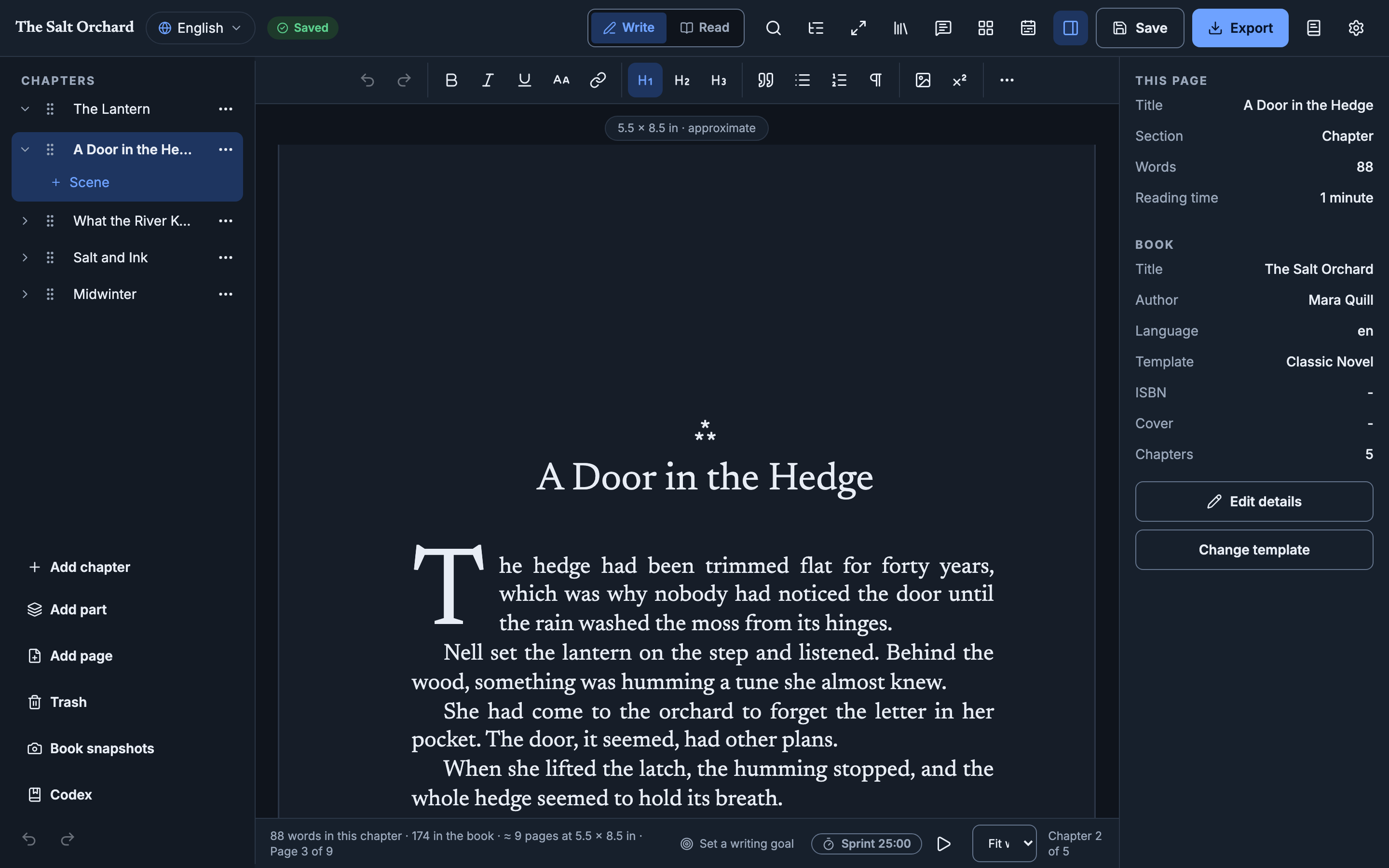
Light and dark
Designed in both themes, from desktop to phone width.
Project trash
Restore any chapter you removed.
Open all the way down
The app, file format and exporters are developed in the open on GitHub.
No lock-in
Export Markdown or Word and leave with everything.
Not released yet. Follow progress on GitHub Releases.