 CadabraCraft
Write your book. Format it beautifully.
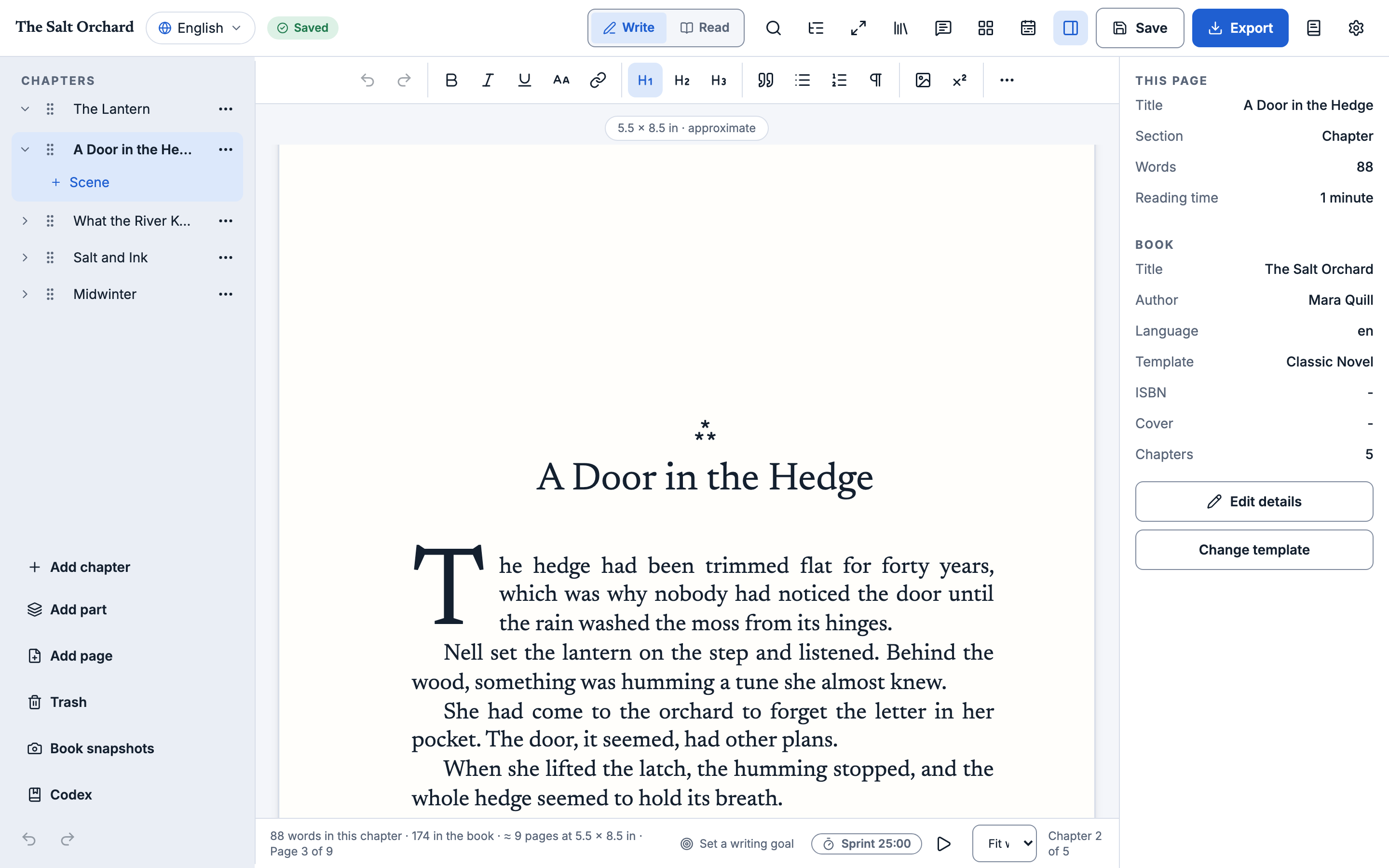
A desktop app for self-publishing authors. Write in a calm editor, pick a template, and export EPUB3, print-ready PDF, Word, Markdown or an audiobook. Everything lives in plain files on your computer.
- Free and source-available
- No account, no tracking
- Your files stay yours
Made for the long haul
Local-first
Your book is a folder of plain, documented files. No account, no server, nothing leaves your machine.
A calm editor
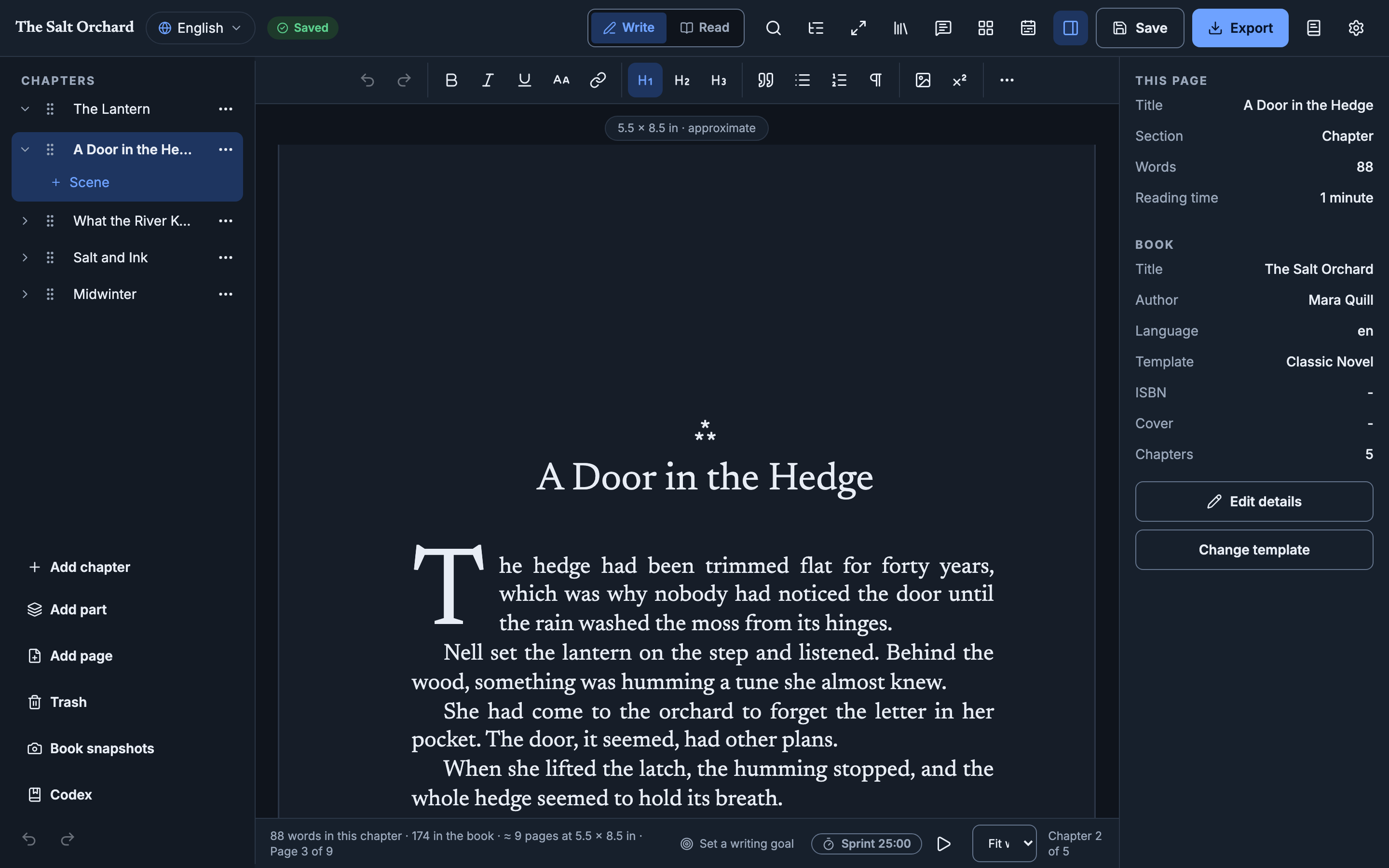
A rich-text editor where the manuscript comes first. Organize chapters, add front and back matter, reorder them, and restore anything from the project trash.
Print-ready PDF
Novel, nonfiction and modern templates, trim sizes, PDF/A and a print preview. PDF export uses Typst, which comes with the app.
From manuscript to book in three steps
Bring it in
Import a Word, Markdown or HTML manuscript, or start a blank book. Chapters appear in the sidebar.
Write and shape it
A calm editor, front and back matter, language editions and a history you can restore.
Export it
EPUB3, print PDF, Word, Markdown or an audiobook, from the same chapters.
EPUB3 · PDF · Word · Markdown · AudiobookSee all formats
Questions
- Is CadabraCraft really free?
- Yes. Authors and publishing companies can use it free to write and publish books, including books they sell. Nobody sells the software itself, including its maker. Sponsorship pays for development time and keeps the project independent.
- Do I need an account?
- No. There is no account, no cloud service and no telemetry. The site and the app make no tracking calls.
- Does it work offline?
- Yes. Writing, importing and exporting need no network. The app checks GitHub Releases for updates only if you allow it, and audiobook voices download only when you ask for them.
- Where is my book stored?
- In a folder of plain, documented files on your computer. You choose whether to sync that folder with Google Drive, Dropbox or iCloud Drive.
- Is it safe to sync the folder with Dropbox or Google Drive?
- Yes. If a file changes in two places, CadabraCraft keeps the other version as a conflict copy instead of overwriting it, and the History dialog can restore earlier versions of a chapter.
- Can I get my files back out?
- Yes. Your book is plain files you own, and you can export Markdown or Word at any time.
- What formats can I import and export?
- Import Word (.docx), Markdown and HTML. Export EPUB3, print-ready PDF, Word, Markdown and audiobooks. PDF export uses Typst, which comes with the app.
- Which platforms does it support?
- It is a desktop app built with Tauri, with macOS and Linux downloads on GitHub Releases and Windows coming soon.